構想半年、実装5分 AIに丸投げしたらツールを作ってくれた

マラソン予想タイム算出
thedevnote.com
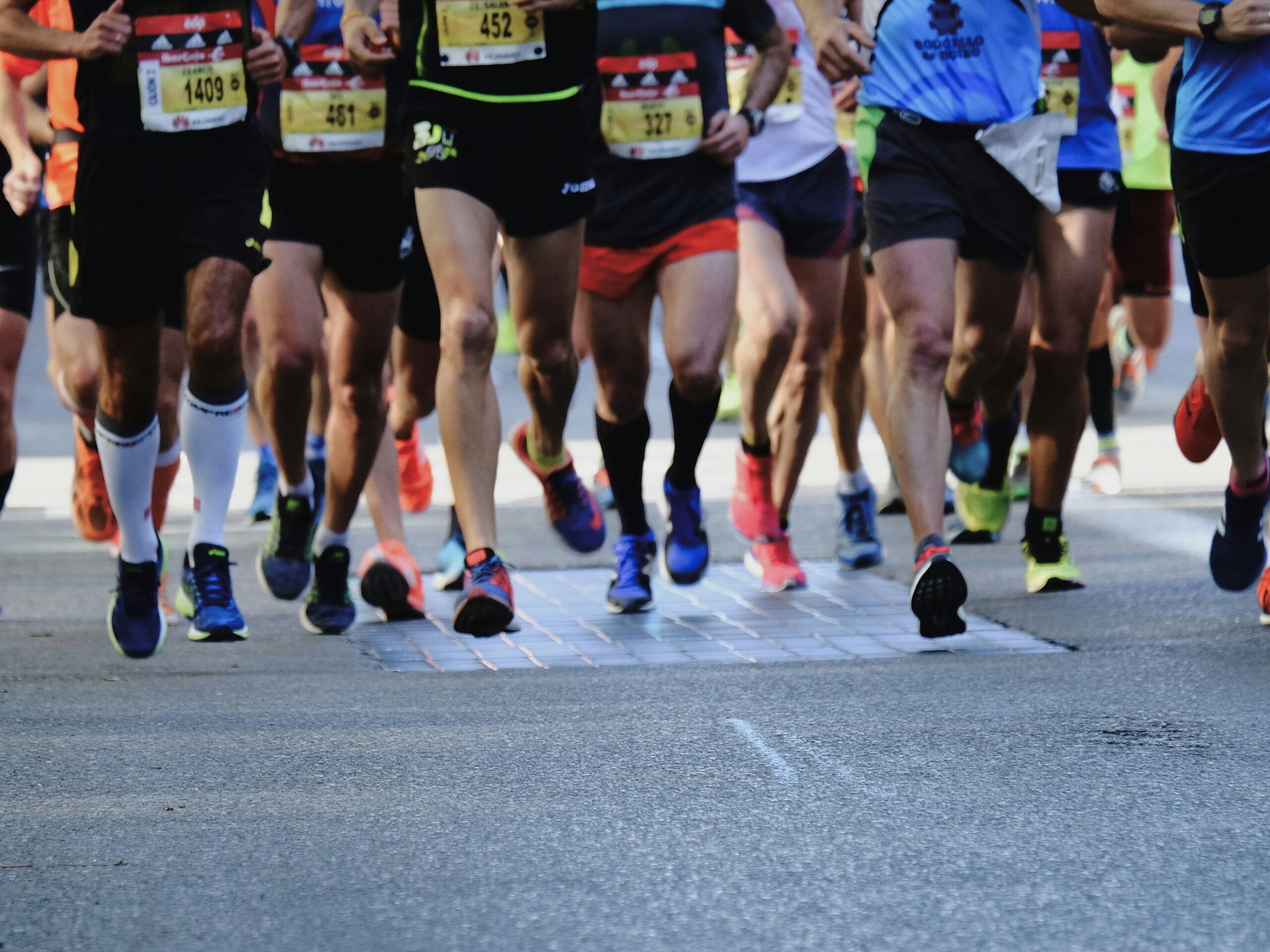
マラソン観戦の時、確かにランナーが速いのはわかるのですが、TVerなどで解説をリアルで見れるトップ選手以外は、この人たちはどれ位速いのか?サブ20なのかサブ30なのかサブ3なのかサブ4なのか、計算に慣れていないとなかなかすぐに把握できるものではありません。そこで、最低限のデータ入力で、目の前を走っているランナーのペースとゴールタイムを予想するアプリを作りたいと思っていました。(イーブンペースを想定するなら割と計算自体は簡単。)構想だけで手が止まっていましたが、当サイトを立ち上げを機に、3月1日の東京マラソンで実験してみようと思い立ち、Geminiにプロンプトを投げたところ、秒殺で仕上げてくれました。
プロンプト
# マラソンでのペースおよびゴール予想タイム算出アプリ
下記仕様のページについて、HTMLファイル・JavaScriptファイル・CSSファイルを作成してください。
* マラソンの応援時、目の前を走っている人のペースとゴール予想タイムをリアルタイムで算出するページ
* 入力項目:
  - 現在何キロ地点にいるか(少数表示可能)
  - レース距離(少数表示可能。5km,10km,ハーフマラソン,フルマラソンから選択して自動入力機能付き)
  - スタート時刻
* 出力項目(2秒おきに更新)
  - スタートから現地点までの平均ペース(1km何分何秒かで表現)
  - 上記ペースでゴールした場合のゴール予想タイム、およびゴール予想時刻
* スマホでもレイアウトが崩れないように
出力結果
1.index.html
入力フォームと結果表示エリアの構造です。
<!DOCTYPE html>
<html lang="ja">
<head>
    <meta charset="UTF-8">
    <meta name="viewport" content="width=device-width, initial-scale=1.0">
    <title>マラソン予想タイム算出</title>
    <link rel="stylesheet" href="style.css">
</head>
<body>
    <div class="container">
        <h1>🏃 リアルタイム予想</h1>

        <div class="input-group">
            <label>コース種別</label>
            <div class="preset-buttons">
                <button type="button" onclick="setDistance(5)">5km</button>
                <button type="button" onclick="setDistance(10)">10km</button>
                <button type="button" onclick="setDistance(21.0975)">ハーフ</button>
                <button type="button" onclick="setDistance(42.195)">フル</button>
            </div>

            <label for="goal-dist">ゴール距離 (km)</label>
            <input type="number" id="goal-dist" step="0.001" value="42.195" placeholder="例: 42.195">

            <label for="current-dist">現在地点 (km)</label>
            <input type="number" id="current-dist" step="0.001" value="0.0" placeholder="例: 15.5">

            <label for="start-time">スタート時刻</label>
            <input type="time" id="start-time" step="1">
        </div>

        <hr>

        <div class="result-area">
            <div class="result-card">
                <span class="label">現在の平均ペース</span>
                <div id="avg-pace" class="value">--'--" /km</div>
            </div>

            <div class="result-card secondary">
                <span class="label">ゴール予想タイム</span>
                <div id="finish-time" class="value">--:--:--</div>
            </div>

            <div class="result-card highlight">
                <span class="label">ゴール予想時刻</span>
                <div id="finish-clock" class="value">--:--:--</div>
            </div>
        </div>
    </div>
    <script src="script.js"></script>
</body>
</html>
2.style.css
スマホでの操作性を考慮し、ボタンを大きく、フォントを読みやすくしたレスポンシブデザインです。
:root {
    --primary-color: #ff4757;
    --bg-color: #f1f2f6;
    --card-bg: #ffffff;
}

body {
    font-family: 'Helvetica Neue', Arial, sans-serif;
    background-color: var(--bg-color);
    margin: 0;
    padding: 20px;
    color: #2f3542;
}

.container {
    max-width: 500px;
    margin: 0 auto;
}

h1 {
    text-align: center;
    font-size: 1.5rem;
    margin-bottom: 20px;
}

.input-group {
    background: var(--card-bg);
    padding: 20px;
    border-radius: 12px;
    box-shadow: 0 4px 6px rgba(0,0,0,0.1);
}

label {
    display: block;
    font-size: 0.9rem;
    font-weight: bold;
    margin-top: 15px;
}

input {
    width: 100%;
    padding: 12px;
    margin-top: 5px;
    border: 1px solid #ced4da;
    border-radius: 8px;
    box-sizing: border-box;
    font-size: 1rem;
}

.preset-buttons {
    display: grid;
    grid-template-columns: repeat(4, 1fr);
    gap: 5px;
    margin-top: 5px;
}

button {
    padding: 8px 2px;
    border: none;
    border-radius: 6px;
    background: #747d8c;
    color: white;
    cursor: pointer;
    font-size: 0.8rem;
}

button:active {
    background: #2f3542;
}

.result-area {
    margin-top: 20px;
}

.result-card {
    background: var(--card-bg);
    padding: 15px;
    border-radius: 12px;
    margin-bottom: 10px;
    text-align: center;
    box-shadow: 0 2px 4px rgba(0,0,0,0.05);
}

.result-card.secondary { border-left: 5px solid #2f3542; }
.result-card.highlight { border-left: 5px solid var(--primary-color); color: var(--primary-color); }

.label { font-size: 0.85rem; display: block; margin-bottom: 5px; color: #57606f; }
.value { font-size: 2rem; font-weight: bold; font-family: 'Courier New', Courier, monospace; }
3. script.js
2秒おきに計算を行い、結果を更新するロジックです。
// 初期設定:現在の時刻をスタート時間にセット
window.onload = () => {
    const now = new Date();
    const timeString = now.getHours().toString().padStart(2, '0') + ":" +
                       now.getMinutes().toString().padStart(2, '0') + ":00";
    document.getElementById('start-time').value = timeString;
};

// 距離プリセット設定
function setDistance(dist) {
    document.getElementById('goal-dist').value = dist;
}

// 時間表記の変換 (秒 -> hh:mm:ss)
function formatDuration(seconds) {
    if (seconds < 0 || !isFinite(seconds)) return "--:--:--";
    const h = Math.floor(seconds / 3600);
    const m = Math.floor((seconds % 3600) / 60);
    const s = Math.floor(seconds % 60);
    return `${h}:${m.toString().padStart(2, '0')}:${s.toString().padStart(2, '0')}`;
}

// ペース表記の変換 (秒/km -> mm'ss")
function formatPace(secondsPerKm) {
    if (secondsPerKm <= 0 || !isFinite(secondsPerKm)) return "--'--\"";
    const m = Math.floor(secondsPerKm / 60);
    const s = Math.floor(secondsPerKm % 60);
    return `${m}'${s.toString().padStart(2, '0')}"`;
}

function calculate() {
    const goalDist = parseFloat(document.getElementById('goal-dist').value);
    const currentDist = parseFloat(document.getElementById('current-dist').value);
    const startTimeStr = document.getElementById('start-time').value;

    if (!goalDist || !currentDist || !startTimeStr || currentDist <= 0) return;

    // 現在時刻とスタート時刻から経過時間を算出
    const now = new Date();
    const [startH, startM, startS] = startTimeStr.split(':').map(Number);
    const startDate = new Date();
    startDate.setHours(startH, startM, startS || 0, 0);

    // 日付をまたぐ場合を考慮
    if (now < startDate) startDate.setDate(startDate.getDate() - 1);

    const elapsedSeconds = (now - startDate) / 1000;

    // 1. 平均ペース算出 (秒/km)
    const avgPaceSec = elapsedSeconds / currentDist;
    document.getElementById('avg-pace').innerText = formatPace(avgPaceSec) + " /km";

    // 2. ゴール予想タイム算出
    const estimatedTotalSec = avgPaceSec * goalDist;
    document.getElementById('finish-time').innerText = formatDuration(estimatedTotalSec);

    // 3. ゴール予想時刻算出
    const finishDate = new Date(startDate.getTime() + estimatedTotalSec * 1000);
    const finishClockStr = finishDate.getHours().toString().padStart(2, '0') + ":" +
                           finishDate.getMinutes().toString().padStart(2, '0') + ":" +
                           finishDate.getSeconds().toString().padStart(2, '0');
    document.getElementById('finish-clock').innerText = finishClockStr;
}

// 2秒ごとに更新
setInterval(calculate, 2000);
コメント